Headshot Retouching
A little polish. Still recognizably you.
Natural headshot retouching in Los Angeles for actors, LinkedIn profiles, corporate headshots, executive portraits, model digitals, and professional photos that need cleanup, not a new identity.
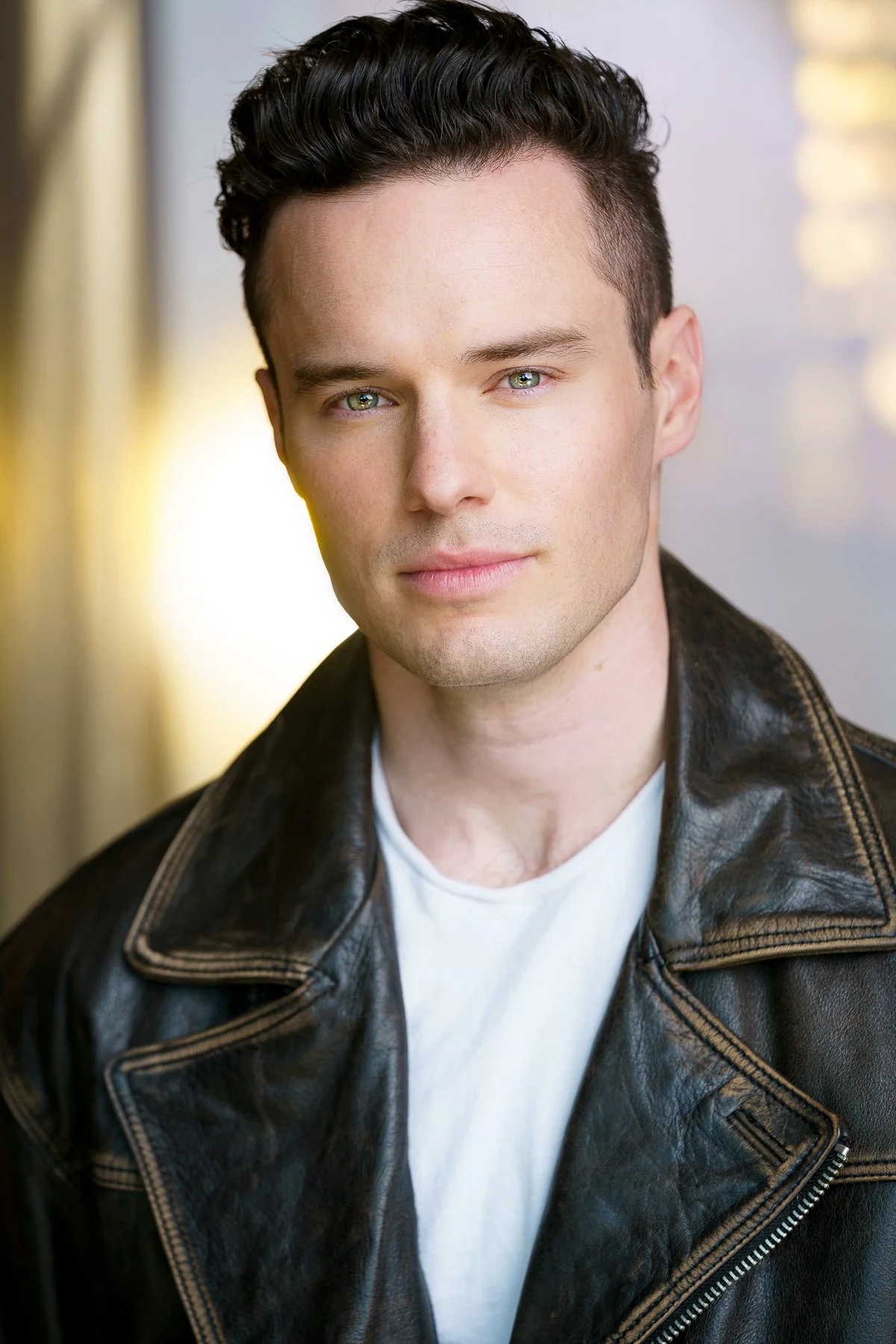

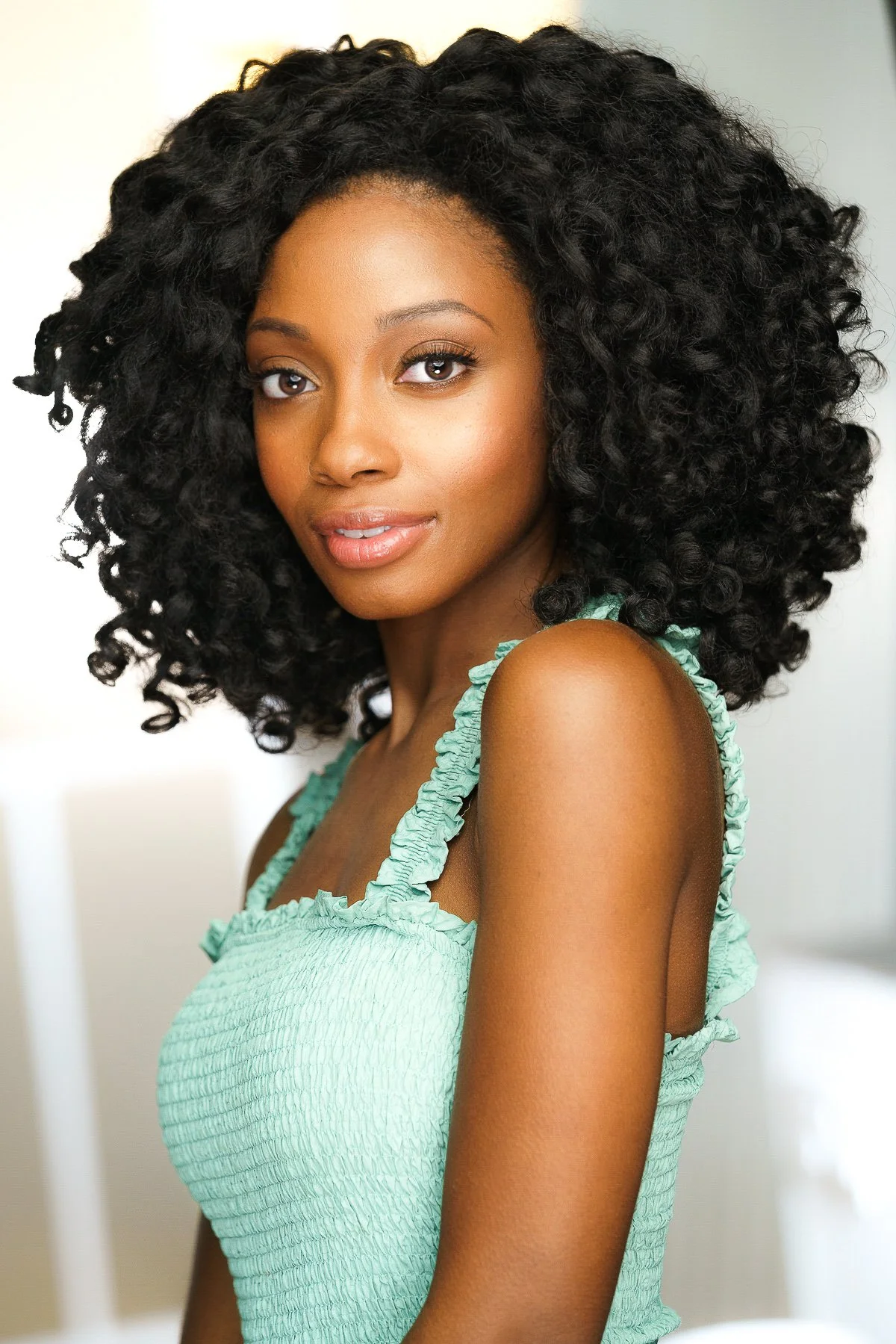
The best retouching is usually the kind no one notices.
The goal is to remove little distractions so people see your expression, not the temporary blemish, rogue lint, shiny forehead, or one hair staging a coup.
Clean is good. Unrecognizable is where things get legally suspicious.
A professional headshot can be refined without smoothing away every bit of texture, character, age, and humanity.

Casting, LinkedIn, corporate bios, and profiles all need trust.
Retouching should support credibility, not create a photo that looks great until you walk into the room.
Headshot retouching should make the photo cleaner, not make the person questionable.
Natural headshot retouching is about reducing distractions while preserving expression, texture, age, character, and recognizability. That matters whether the image is for casting, LinkedIn, a company website, a medical practice bio, an executive profile, or a personal brand.
Heavy-handed retouching can make a professional portrait feel fake, dated, or untrustworthy. It can also create a disconnect when someone meets you in person, watches your self-tape, visits your website, or sees you on Zoom.
A good retouched headshot should still look like you. Just with fewer tiny distractions trying to unionize on your face.
The goal is not “new face.” The goal is “good day, good light, no distractions.” Headshot Retouching / Los Angeles
Clean up the distractions. Keep the person.
Headshot retouching can be subtle and still make a big difference. The best edits support the image without making people wonder what happened to your pores, jawline, or entire life history.
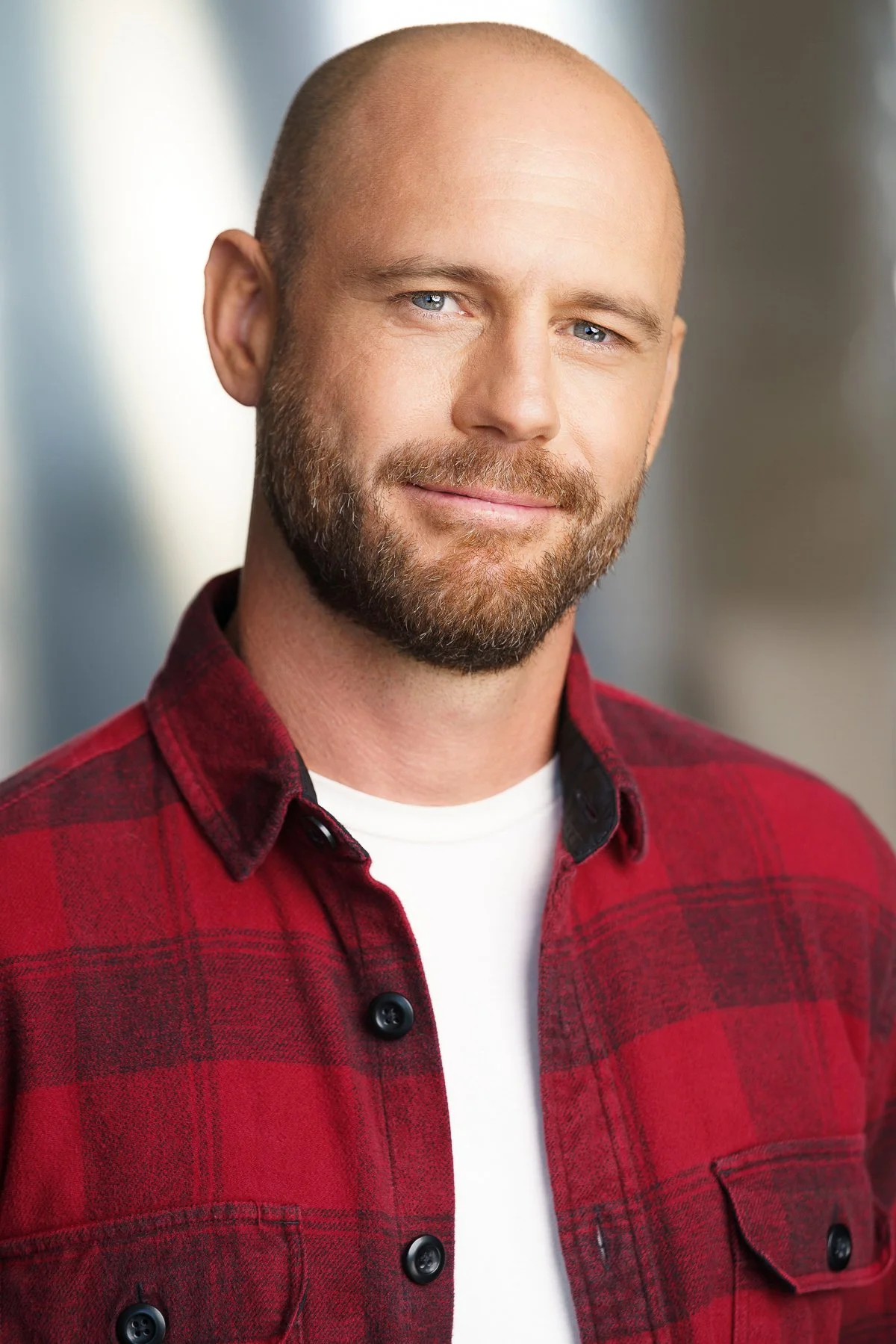
Temporary distractions.
Softening temporary blemishes, redness, dryness, shine, and small marks while keeping realistic skin texture intact.

Flyaways and grooming.
Cleaning up distracting flyaways, lint, stray hairs, and minor grooming issues that pull attention from the face.

Lint, wrinkles, tiny chaos.
Reducing minor clothing distractions like lint, small wrinkles, bunching, or tiny details that read messy in a close crop.
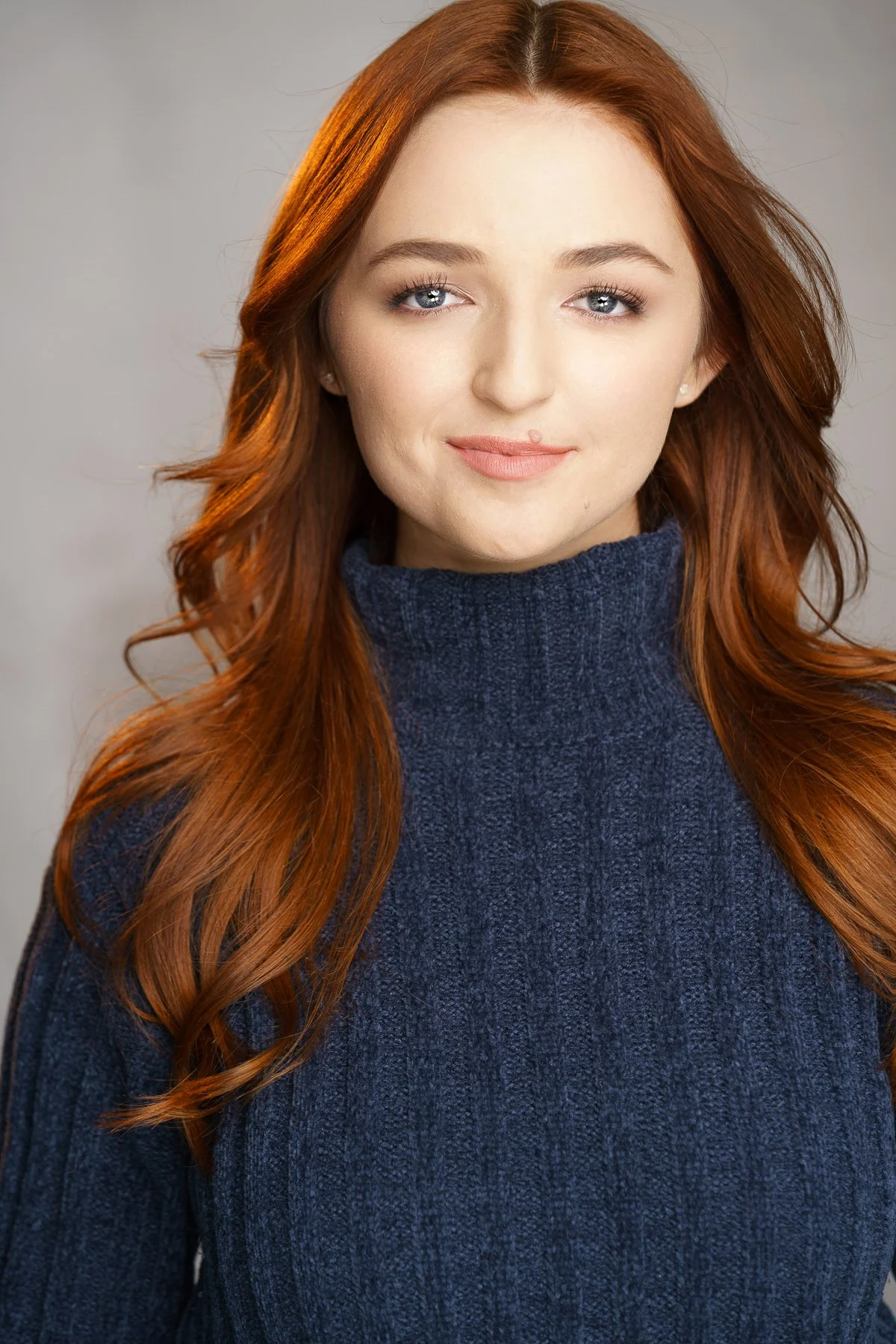
Frame cleanup.
Removing or softening small distractions in the background so the final image feels cleaner and more intentional.

Rested, not fictional.
Softening under-eye distractions while keeping expression, structure, and normal human depth intact.
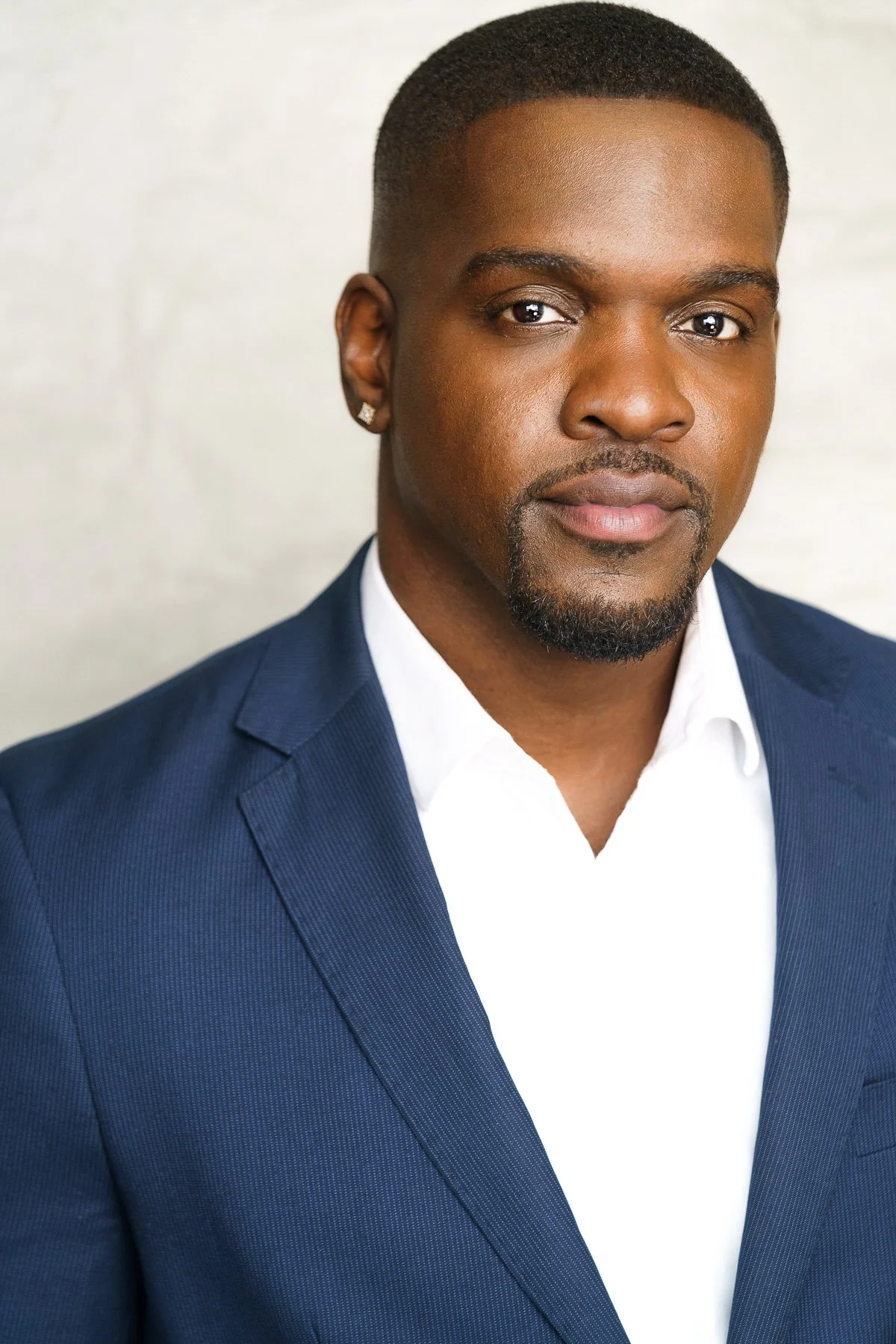
Color, crop, and polish.
Final refinements for crop, tone, contrast, color consistency, and platform-ready presentation.
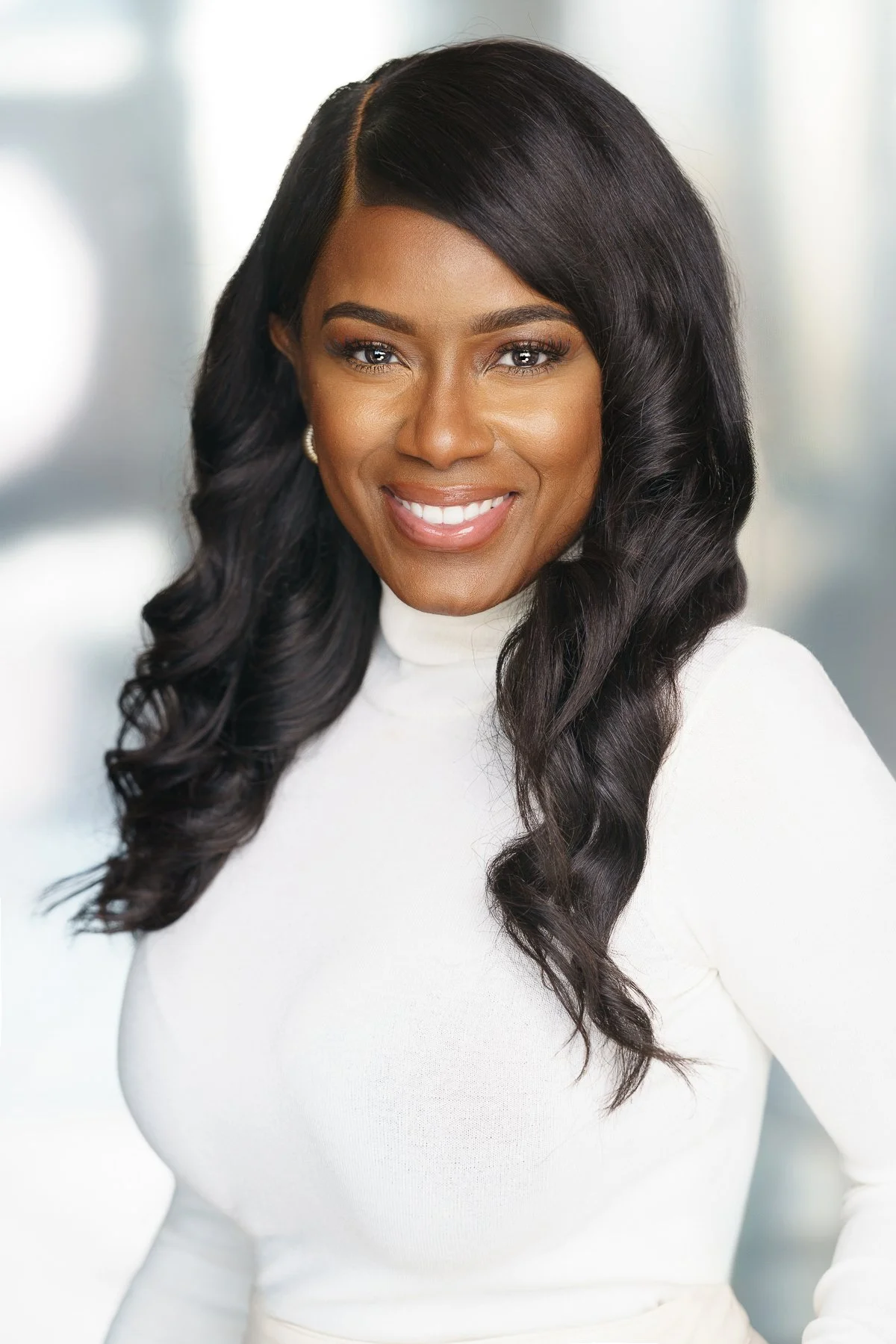
Over-retouching can make a headshot less trustworthy.
Over-retouching can flatten texture, change facial structure, remove age, blur skin, over-whiten eyes, reshape features, or create the unsettling sense that the photo was approved by a robot with a beauty filter addiction.
For actors, over-retouching can be especially risky because casting needs to see what you actually look like now. For LinkedIn and corporate use, it can make the image feel less credible and more artificial. For executives and personal brands, it can undercut trust.
Natural retouching should clean the photo, not rewrite your biography.
Different headshots need different retouching judgment.
A casting headshot, LinkedIn photo, executive portrait, and model digital do not all need the same finish. The retouching should match the job the image has to do.
How headshot retouching fits into the session.
Retouching may be included with certain headshot packages or added depending on the number of final images selected, the session type, and how much cleanup each image needs. A single LinkedIn headshot, a full actor set, a company team page, and a personal branding gallery all have different retouching needs.
The process usually starts with selecting the strongest images from the session. From there, final retouching is applied to the chosen photos so the finished images are clean, useful, and ready for their intended platforms.
The pricing guide explains how session length, final image count, retouching, and usage can affect the overall investment.
Retouching should make the photo easier to trust, not harder to explain. Natural Headshot Retouching
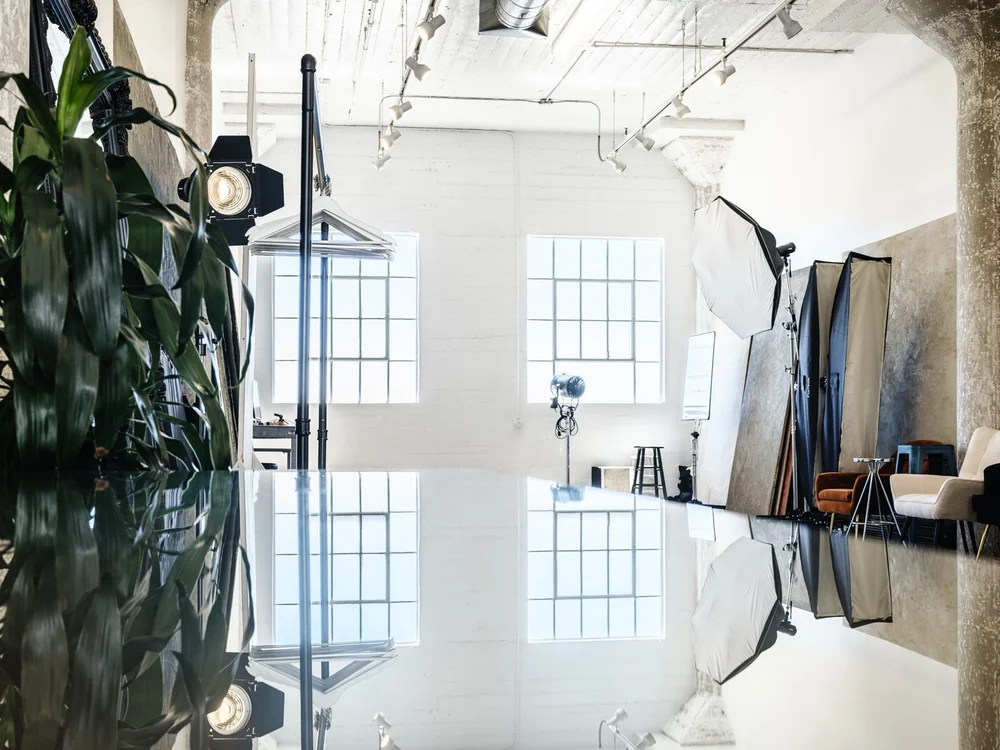
Headshot photography and retouching from a Downtown LA studio.
Headshots by Bradford Rogne Photography provides professional headshot photography and natural retouching for clients in Los Angeles, including actors, executives, LinkedIn users, companies, entrepreneurs, medical professionals, attorneys, model digitals, and personal brands.
Sessions are available by appointment in Downtown Los Angeles, convenient to the Arts District, Hollywood, Silver Lake, Echo Park, Los Feliz, Koreatown, West Hollywood, Beverly Hills, Century City, Pasadena, Glendale, Burbank, Culver City, Santa Monica, and surrounding LA neighborhoods.
Need headshots that look finished, but still look like you?
Book a Los Angeles headshot session with natural retouching options for LinkedIn, acting, corporate bios, executive portraits, company headshots, model digitals, personal branding, and professional profiles.
Questions people ask about headshot retouching.
Practical answers about natural retouching, what should be fixed, what should stay, actor headshot retouching, LinkedIn photo cleanup, corporate portraits, and avoiding the overdone look.
What is headshot retouching?
Headshot retouching is the process of cleaning up a professional portrait after the session. It can include reducing temporary blemishes, shine, lint, flyaways, small background distractions, under-eye shadows, and other details that distract from the expression and purpose of the image.
Should headshots be retouched?
Many headshots benefit from natural retouching, but they should not be over-retouched. The goal is to reduce distractions while keeping the image realistic, current, and recognizable.
What should be retouched in a professional headshot?
Temporary blemishes, flyaway hairs, lint, shine, small redness, under-eye distractions, and background issues can often be retouched. Permanent features, natural skin texture, expression, and the person’s actual appearance should be preserved.
Can retouching look natural?
Yes. Natural retouching should make the photo look cleaner without making the face look fake, blurred, plastic, or heavily filtered. The best retouching is often subtle enough that people notice the image, not the editing.
Should actor headshots be retouched?
Actor headshots can be lightly retouched to clean up temporary distractions, but they should stay realistic. Casting needs to see what the actor actually looks like now, so heavy retouching can work against the purpose of the headshot.
Should LinkedIn headshots be retouched?
LinkedIn headshots can be naturally retouched to look clean, professional, and current. Retouching should reduce distractions while keeping the photo believable and aligned with how you look in real life.
Can you remove flyaway hair or lint from a headshot?
Yes. Small flyaways, lint, dust, wardrobe distractions, and minor grooming issues can often be cleaned up during retouching so they do not pull attention away from the face.
Can you make me look younger in a headshot?
Retouching can soften temporary distractions and refine the image, but the best professional headshots should still look like you. Overly age-reducing retouching can make a photo feel fake or less trustworthy.
Is heavy retouching bad for professional photos?
Heavy retouching can make professional photos look artificial, dated, or untrustworthy. For actors, executives, LinkedIn profiles, medical professionals, and corporate bios, natural retouching is usually a better choice.
Does headshot pricing include retouching?
Retouching policies depend on the package, number of selected images, and session type. Some headshot packages may include retouching, while additional final images or more detailed cleanup may affect the total cost.